













Create the perfect DTG file
Direct-to-Garment (DTG) printing delivers vibrant, detailed designs when set up correctly — but even minor file issues can lead to disappointing results. Here's how to avoid the most common DTG pitfalls and ensure your prints come out sharp, clean, and professional every time.
★ ★ ★ ★ ★
50,000+ Happy Customers
1000+ Custom Products
High Quality. No Minimums!
Affordable Prices
up to 40% Bulk Discounts!
Fast & Free Shipping
Global Delivery. On-time!
Worry Free!
Instant 24/7 Support
50,000+ Happy
Customers
1000+ Custom
Products
Affordable
Prices
Fast & Free
Shipping
Set your DTG designs up for success
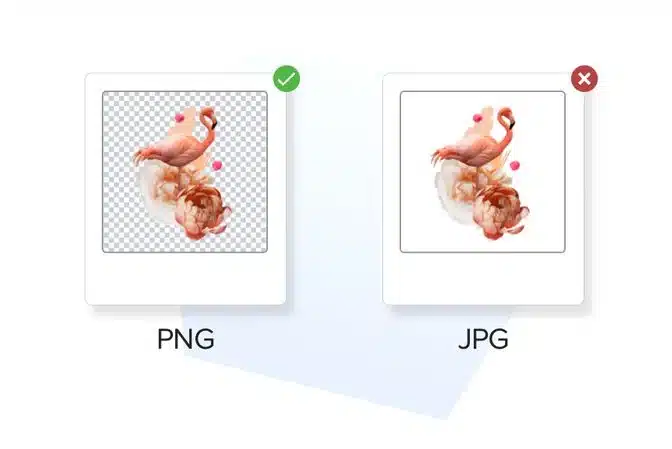
Save Your File as a PNG
When preparing your DTG (Direct-to-Garment) or DTF (Direct-to-Film) artwork, file format matters — and PNG is the gold standard.
Why PNG is Best for Print
Supports transparency — essential for clean, edge-free designs
Preserves fine details and image sharpness
- No unwanted white boxes or solid backgrounds in your final print
Choose the Right Color Space for Accurate Printing
To ensure your design prints as vibrantly and accurately as it appears on screen, it’s essential to set up your file using the correct color profile.
Color is everything in print — from brand identity to product quality.
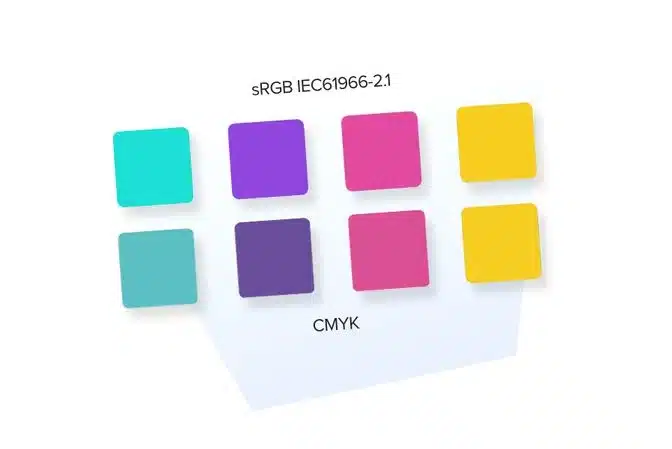
Designing specifically in sRGB IEC61966-2.1 ensures that what you see is what you get.
Even though our printers operate in CMYK (Cyan, Magenta, Yellow, Black), we require files in sRGB.
Our system automatically converts sRGB to CMYK before printing
Using sRGB IEC61966-2.1 ensures the smoothest and most accurate conversion, especially for rich, vibrant colors
Use the Right DPI for Print-Ready Quality
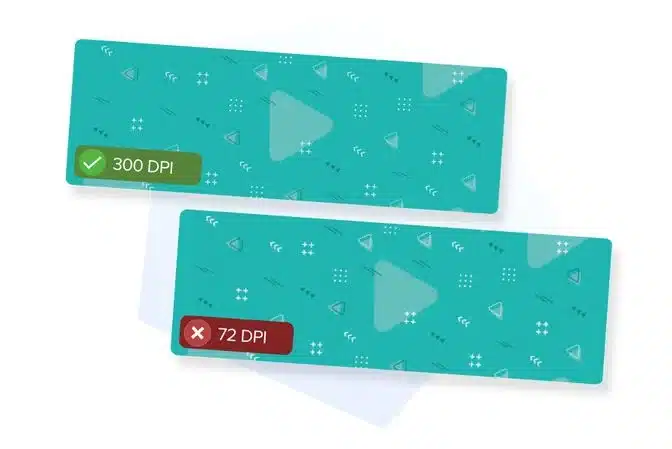
DPI (Dots Per Inch) measures how many ink dots are printed in one inch of fabric or surface.
It’s different from PPI (Pixels Per Inch), which only refers to digital screen resolution.
More dots = more detail = sharper, cleaner prints.
✅ Recommended DPI by Product Type
| Product Type | Minimum DPI | Recommended DPI |
|---|---|---|
| T-Shirts & Apparel | 150 DPI | 300 DPI |
| Phone Cases & Stickers | 300 DPI | 300 DPI |
| Tote Bags, Posters, Mugs | 150 DPI | 300 DPI |
Keep DPI High When Resizing Your Design
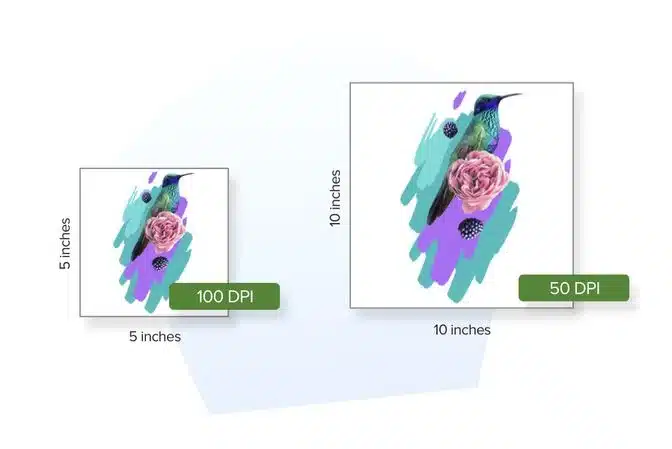
When you change the physical size of your design, you’re also affecting its print resolution — unless you manage the DPI correctly.
When increasing file dimensions, make sure you’re maintaining or increasing resolution.
In Photoshop or Illustrator:
Select “Resample Image” to add more pixels when scaling up
Set your target DPI to 300
Check the new pixel dimensions — they should scale proportionally
Consider Ribbing, Seams & Stitching in Your Garment Designs
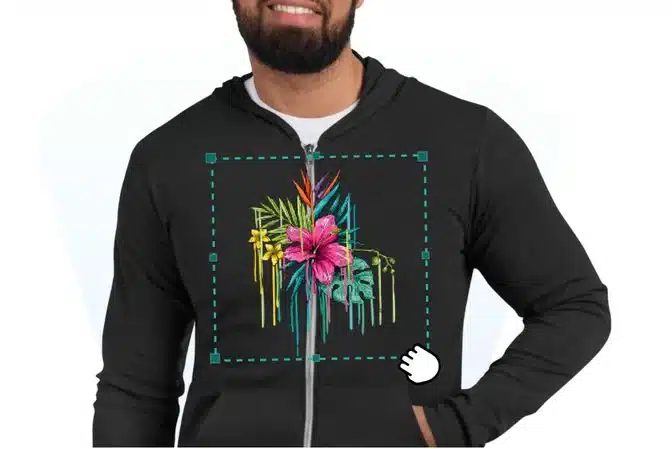
When designing for apparel like hoodies, sweatshirts, or ribbed garments, it’s important to account for physical construction details — such as seams, zippers, pockets, and ribbing — that can affect how your artwork prints and looks when worn.
Flat Surfaces = Cleanest Prints
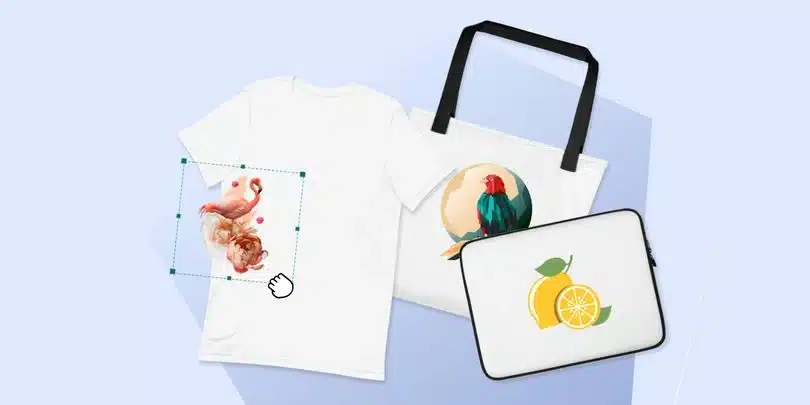
Garments with flat, uninterrupted surfaces (like t-shirts or smooth tote bags) are ideal for DTG and DTF printing. These allow the print to lay evenly across the fabric for sharp, high-fidelity results.
Get a Beautiful Print Result Every Time
While printed designs may not look exactly like they do on your screen, with the right preparation, you can achieve stunning results that impress your customers and bring your vision to life.
Follow the Guidelines — Every Product, Every Time
To get the best possible print result, always check the file guidelines for the specific product you’re designing for. While many DTG and DTF items share similar requirements, each product has its own template size, safe zones, and file specs.
Your file is the foundation of a beautiful finished product.
✅ Double-check the file specs
✅ Use the correct template
✅ Design within safe zones
Get 20% Off Your Sample — Test Before You Go Live
Merchlist offers sample orders at a 20% discount, so you can test with confidence without breaking your budget.
Before launching your product to the world, it’s smart to see it in person. That’s why we strongly recommend placing a sample order — so you can feel the fabric, inspect the print, and evaluate the overall quality firsthand.
✅ Double-check the file specs
✅ Use the correct template
✅ Design within safe zones
Customize world-leading brands


Best Sellers
New Arrivals